
Administrative Productivity with AI Training Course
Key information
Upcoming sessions
Would you like to schedule this training on a specific date? Contact us by email or via the contact form.
Description of the training: Administrative Productivity with AI Training Course
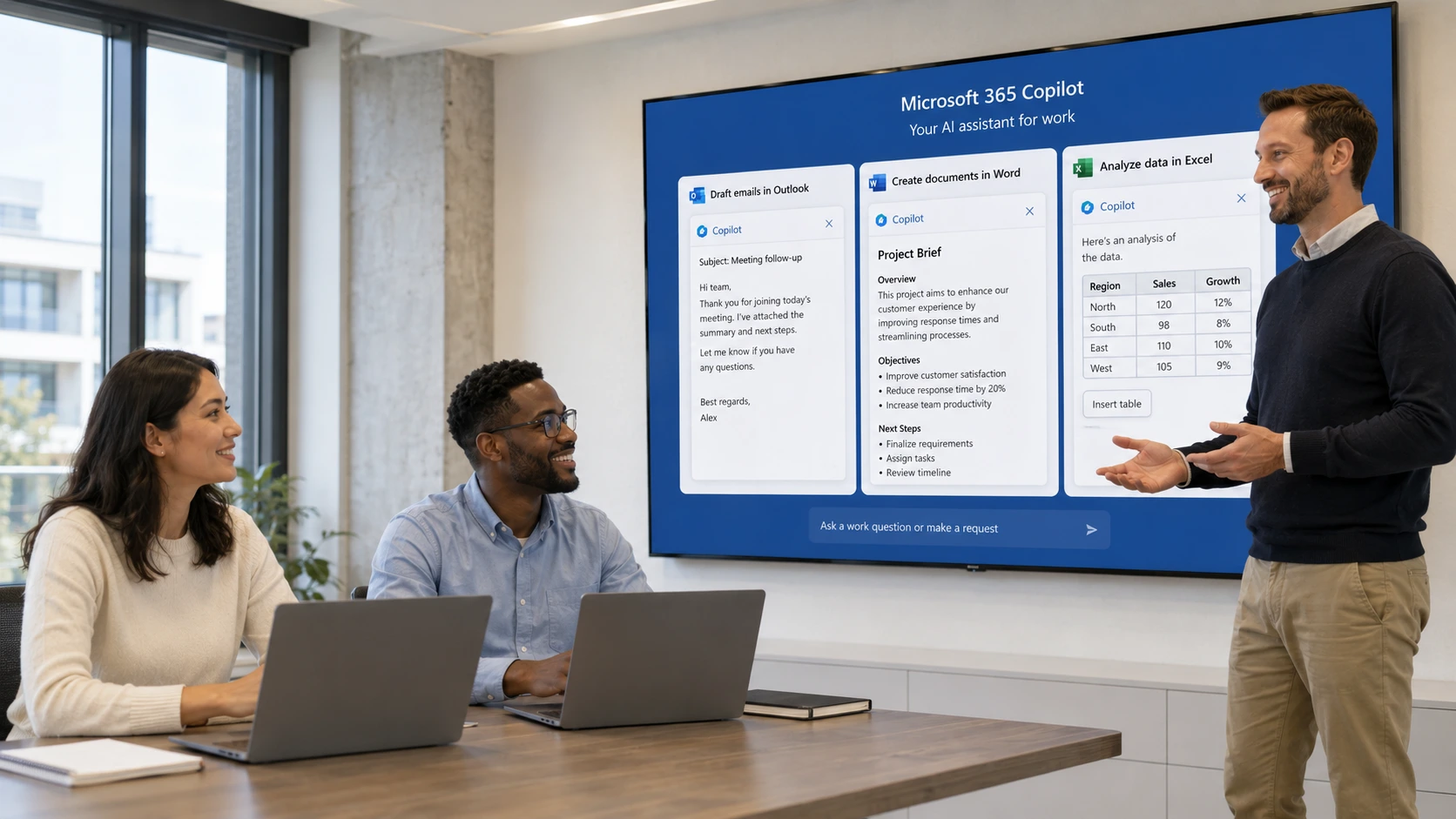
AI automates repetitive, time-consuming administrative tasks: writing and summarising emails (Outlook Copilot), meeting minutes (Teams Copilot), formatting documents (Word Copilot), creating presentations in minutes (Gamma), turning texts into infographics (Napkin AI). The MFE-IT training gives you a turnkey workflow over 2 days.
What is the best AI tool for office productivity?In a Microsoft 365 environment, Microsoft Copilot is the most integrated (Outlook, Teams, Word, Excel, PowerPoint) with enterprise security and governance. As a complement: Gamma for presentations, Canva Magic Studio for visuals, Napkin AI for infographics, Google NotebookLM for document processing. The training teaches you to combine them.
How can I use AI to improve my productivity?Three concrete levers: (1) automate writing (emails, summaries, meeting minutes) via Copilot; (2) speed up visual creation (presentations, infographics, images) via Gamma, Canva, Napkin; (3) create custom AI agents (communication assistants, procedure libraries). The key method: prompt engineering (Context-Role-Task-Format). The training gives you an action plan deployable the very next day.
How long is the Administrative Productivity with AI training at MFE-IT?Our Administrative Productivity with AI training at MFE-IT lasts 2 days, i.e. 12 hours, delivered remotely (recorded sessions). Format: prompt mastery, Copilot (Outlook/Teams/Word), NotebookLM, no-code AI agents, visual creation (Canva Magic, DALL·E, Napkin, Gamma), augmented project management. 60% hands-on practice, sessions guaranteed from a single registrant, maximum 3 participants.
{"@context":"https://schema.org","@type":"FAQPage","mainEntity":[{"@type":"Question","name":"How does AI improve administrative productivity?","acceptedAnswer":{"@type":"Answer","text":"AI automates repetitive, time-consuming administrative tasks: writing and summarising emails (Outlook Copilot), meeting minutes (Teams Copilot), formatting documents (Word Copilot), creating presentations in minutes (Gamma), turning texts into infographics (Napkin AI). The MFE-IT training gives you a turnkey workflow over 2 days."}},{"@type":"Question","name":"What is the best AI tool for office productivity?","acceptedAnswer":{"@type":"Answer","text":"In a Microsoft 365 environment, Microsoft Copilot is the most integrated (Outlook, Teams, Word, Excel, PowerPoint) with enterprise security and governance. As a complement: Gamma for presentations, Canva Magic Studio for visuals, Napkin AI for infographics, Google NotebookLM for document processing. The training teaches you to combine them."}},{"@type":"Question","name":"How can I use AI to improve my productivity?","acceptedAnswer":{"@type":"Answer","text":"Three concrete levers: (1) automate writing (emails, summaries, meeting minutes) via Copilot; (2) speed up visual creation (presentations, infographics, images) via Gamma, Canva, Napkin; (3) create custom AI agents (communication assistants, procedure libraries). The key method: prompt engineering (Context-Role-Task-Format). The training gives you an action plan deployable the very next day."}},{"@type":"Question","name":"How long is the Administrative Productivity with AI training at MFE-IT?","acceptedAnswer":{"@type":"Answer","text":"Our Administrative Productivity with AI training at MFE-IT lasts 2 days, i.e. 12 hours, delivered remotely (recorded sessions). Format: prompt mastery, Copilot (Outlook/Teams/Word), NotebookLM, no-code AI agents, visual creation (Canva Magic, DALL·E, Napkin, Gamma), augmented project management. 60% hands-on practice, sessions guaranteed from a single registrant, maximum 3 participants."}}]} .elementor-accordion .elementor-tab-title .elementor-accordion-icon{margin-right:10px}.elementor-accordion .elementor-tab-title .elementor-accordion-icon + a,.elementor-accordion .elementor-tab-title .elementor-accordion-title{padding-left:4px}Good to know
Our sessions are guaranteed from a single registrant, with no risk of postponement (except in cases of force majeure). A prior interview takes place between the participant and a company representative to fully take into account the participant’s profile (level, needs, professional context, challenges, etc.). Evaluation: during the training, the trainer assesses participants’ learning progress through quizzes, role-plays and practical exercises. Participants receive a certificate of achievement at the end of the training. This training is part of our catalogue. Discover our other AI training courses to fully harness the potential of machine learning, LLMs and generative AI.
Objectives of the training: Administrative Productivity with AI Training Course
- By the end of the training, the participant will be able to:
- Significantly reduce the time spent on repetitive administrative tasks by using AI assistants.
- Master Microsoft Copilot in Outlook, Teams and Word to automate writing and document summarisation.
- Design professional presentations in minutes using generative AI tools (Gamma, Canva).
- Turn complex texts into visual diagrams and clear infographics with Napkin AI.
- Configure custom AI agents suited to their professional context, with no technical skills.
- Build a personal action plan to deploy these tools in their daily duties the very next day.
Prerequisites of the training: Administrative Productivity with AI Training Course
Command of the Microsoft 365 suite (Outlook, Teams, Word, PowerPoint) at a regular user level. Having an active Microsoft 365 licence with access to Copilot, as well as an account on the Canva and Gamma platforms. No programming skills required–this training is accessible to any administrative profile. Because every participant is unique, a personalised interview with our expert allows us to design a training course perfectly aligned with their goals, level and professional challenges.
Target audience of the training: Administrative Productivity with AI Training Course
Administrative assistants and secretaries wishing to gain efficiency and autonomy with AI. Office managers and staff in charge of internal communication and document management. Any administrative professional eager to integrate AI tools into their daily work practices.
Detailed programme of the training: Administrative Productivity with AI Training Course
AI fundamentals and Copilot in Microsoft 365
- Introduction to generative AI applied to the office: understanding the key concepts without technical jargon.
- Building an effective prompt: the Context-Role-Task-Format method to obtain precise results.
- Copilot in Outlook: summarising threads, writing professional emails, turning notes into structured messages.
- Copilot in Teams and Word: generating meeting minutes with action plans, rephrasing and formatting reports.
NotebookLM and no-code AI agents
- Mastering Google NotebookLM: importing documents, querying a document base, generating summaries and FAQs in a few clicks.
- Large-scale document processing: extracting key information without reading entire documents.
- Introduction to no-code AI agents: understanding what an AI agent is and its professional use cases.
- Hands-on workshop: create a “Communication assistant” agent fed with your organisation’s values and tone.
AI visual creation (Canva, DALL-E, Napkin, Gamma)
- Canva Magic Studio and DALL-E 3: prompting for relevant visuals, using AI to resize and edit graphic elements.
- Napkin AI: converting administrative texts and procedures into infographics and clear diagrams in seconds.
- Gamma App: turning a text document or PDF into a dynamic presentation in under 5 minutes, customising with the built-in AI.
- Best practices: usage rights for AI-generated images and brand guidelines.
Augmented project management and action plan
- Augmented project management: using AI to break a complex project into tasks, create back-planning schedules and automated checklists.
- Auditing your working methods with AI: identifying processes to optimise and formulating improvement proposals.
- Role-plays with AI: practising presenting a project or a new procedure internally.
- Conclusion: building your “personal AI toolkit” and drawing up your action plan.
Course highlights
- Focuses on AI-augmented administrative productivity
- Covers project management, automation and action plans
- Builds on concrete administrative scenarios
- Prepares you to boost everyday productivity with AI
FAQ
How does AI improve administrative productivity?
AI automates repetitive, time-consuming administrative tasks: writing and summarising emails (Outlook Copilot), meeting minutes (Teams Copilot), formatting documents (Word Copilot), creating presentations in minutes (Gamma), turning texts into infographics (Napkin AI). The MFE-IT training gives you a turnkey workflow over 2 days.
What is the best AI tool for office productivity?
In a Microsoft 365 environment, Microsoft Copilot is the most integrated (Outlook, Teams, Word, Excel, PowerPoint) with enterprise security and governance. As a complement: Gamma for presentations, Canva Magic Studio for visuals, Napkin AI for infographics, Google NotebookLM for document processing. The training teaches you to combine them.
How can I use AI to improve my productivity?
Three concrete levers: (1) automate writing (emails, summaries, meeting minutes) via Copilot; (2) speed up visual creation (presentations, infographics, images) via Gamma, Canva, Napkin; (3) create custom AI agents (communication assistants, procedure libraries). The key method: prompt engineering (Context-Role-Task-Format). The training gives you an action plan deployable the very next day.
How long is the Administrative Productivity with AI training at MFE-IT?
Our Administrative Productivity with AI training at MFE-IT lasts 2 days, i.e. 12 hours, delivered remotely (recorded sessions). Format: prompt mastery, Copilot (Outlook/Teams/Word), NotebookLM, no-code AI agents, visual creation (Canva Magic, DALL·E, Napkin, Gamma), augmented project management. 60% hands-on practice, sessions guaranteed from a single registrant, maximum 3 participants.