
Inkscape Training Course
Key information
Upcoming sessions
Would you like to schedule this training on a specific date? Contact us by email or via the contact form.
Description of the training: Inkscape Training Course
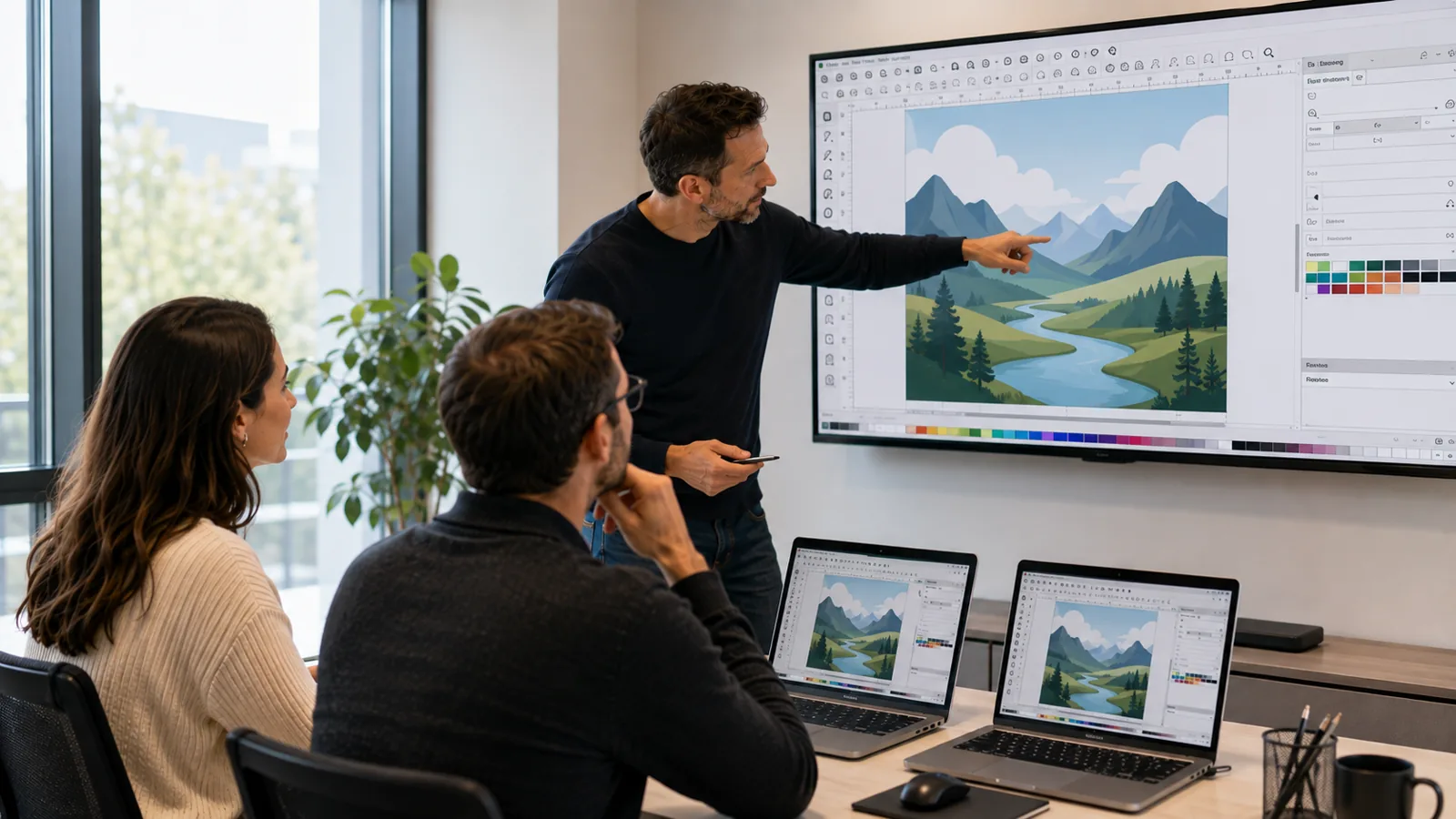
This Inkscape training teaches you to create vector illustrations and visuals with free, open-source software. Over two highly practical days, you get to grips with the interface and drawing tools, colour and typography, then progress to illustration and multi-format export. By the end, you are able to independently produce logos, icons and vector visuals without depending on a paid licence.
Good to know
- Practice-oriented training, with around 60% guided exercises
- Option to work on your own projects
- Small group of 1 to 3 participants for personalised support
- Led by an expert trainer
- Certificate of completion provided
Objectives of the training: Inkscape Training Course
By the end of the training, you will be able to:
- Get to grips with the Inkscape interface
- Draw and edit vector objects
- Manage colour, gradients and strokes
- Work with text and typography
- Create an illustration or a simple logo
- Export in SVG, PNG and PDF formats
Prerequisites of the training: Inkscape Training Course
- Be comfortable with the computing environment
- No prior knowledge of vector drawing is required
Because every participant is unique, a personalised discussion with our expert allows us to design a training course perfectly aligned with their objectives, level and professional challenges.
Target audience of the training: Inkscape Training Course
Freelancers, non-profits, communication officers, teachers and anyone wishing to create vector visuals with a free tool.
Detailed programme of the training: Inkscape Training Course
Getting started and objects
- Interface, documents and navigation. Basic shapes and the path tool. Selection, transformation and alignment. Groups and organisation.
Colour and paths
- Fill, stroke and gradients. Editing nodes and paths. Boolean operations. Patterns and clones.
Text and illustration
- Text, styles and formatting. Outlining and wrapping text. Creating a logo or a pictogram. Layers and project management.
Export and file exchange
- Vector and raster formats. Exporting in SVG, PNG and PDF. Optimising a file for the web. Good file-exchange practices.
The advantages of this training
- This training: focuses on practice with around 60% guided exercises; lets you work on your own files or projects; takes place in a small group of 1 to 3 participants; is led by an expert trainer; and leads to a certificate of completion.
FAQ
What is the SVG format and why use it?
SVG (Scalable Vector Graphics) is a standard, open vector image format: it stays sharp at any size and integrates natively with the web. Inkscape uses it as its native working format. It is the ideal format for logos, icons and illustrations intended for both screen and print.
What is the difference between Inkscape and Illustrator?
Both are vector drawing programs with identical principles (paths, nodes, colours, typography). Inkscape is free and open-source and works natively in SVG, while Illustrator is the industry-standard professional tool, paid by subscription. The vector skills learned in Inkscape transfer directly to Illustrator.
Is Inkscape really free and suitable for professional use?
Yes: Inkscape is free, open-source software whose latest version (the 1.4 series) offers professional-grade drawing, typography and export tools. It is perfectly suited to creating logos, illustrations and vector visuals at no licence cost.
Who is this training for?
Freelancers, non-profits, communication officers, teachers and anyone wishing to create vector visuals with a free tool.
What are the prerequisites?
Be comfortable with the computing environment. No prior knowledge of vector drawing is required.
How long is the training?
The training lasts 2 days, i.e. 14 hours, on-site at your premises or remotely.
Is the training hands-on?
Yes: around 60% of the time is devoted to guided exercises, in a small group of 1 to 3 participants, with an expert trainer.
Can the training be personalised?
Yes, the content, pace and dates are tailored to your project. A preliminary discussion allows us to adjust the training to your level.