
InDesign Training Course
Key information
Upcoming sessions
Would you like to schedule this training on a specific date? Contact us by email or via the contact form.
Description of the training: InDesign Training Course
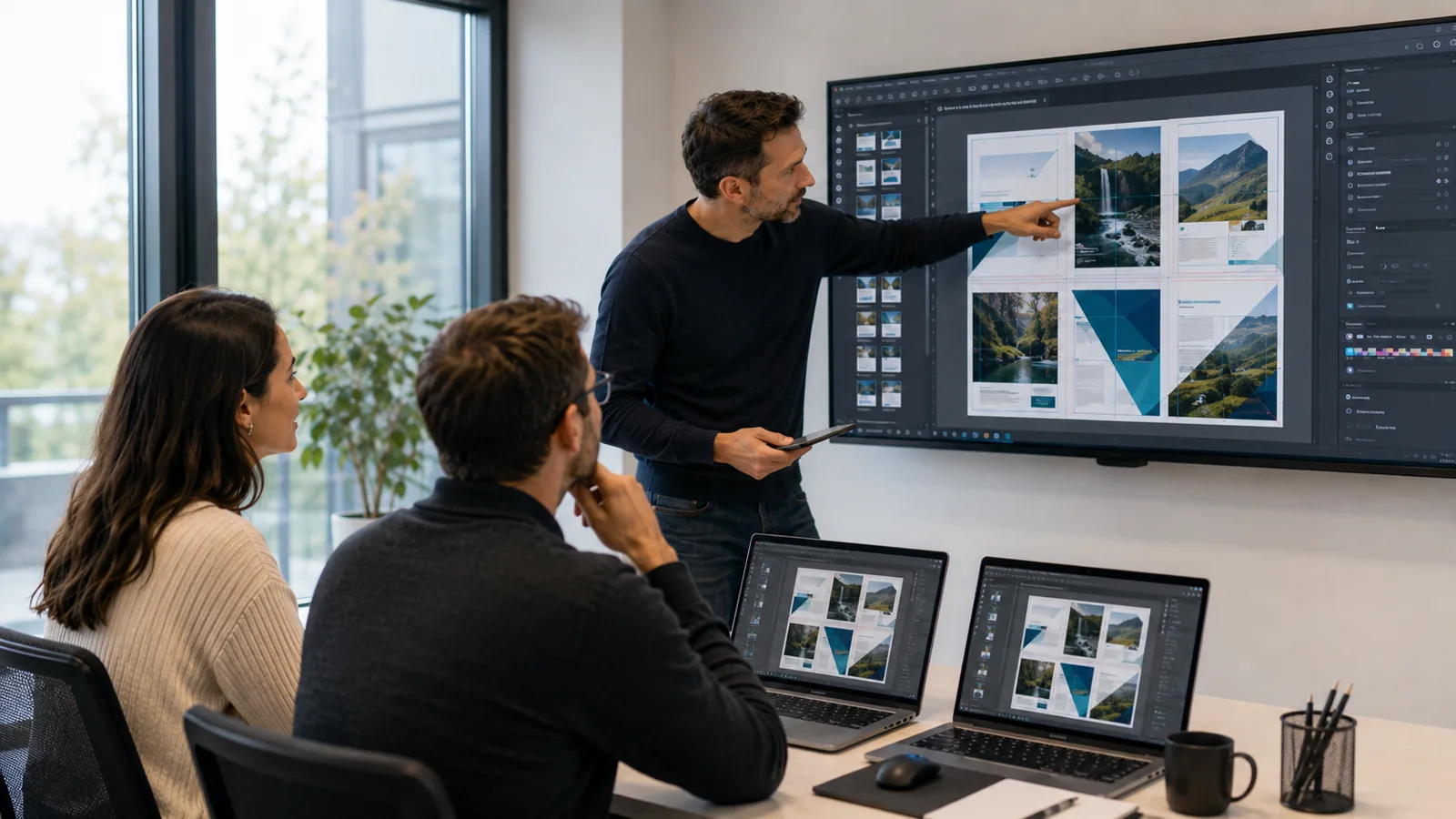
This InDesign training teaches you to design professional layout documents: brochures, magazines, leaflets and multi-page documents. Over three highly practical days, you get to grips with frames, master pages and styles, then progress to long-document layout, image management and preparing files for print. By the end, you are able to independently produce polished, consistent documents.
Good to know
- Practice-oriented training, with around 60% guided exercises
- Option to work on your own projects
- Small group of 1 to 3 participants for personalised support
- Led by an expert trainer
- Certificate of completion provided
Objectives of the training: InDesign Training Course
By the end of the training, you will be able to:
- Get to grips with the InDesign interface and its frame-based logic
- Structure a document with master pages
- Use paragraph and character styles
- Manage text, images and text threading
- Lay out a multi-page document
- Prepare and export a print-ready file
Prerequisites of the training: InDesign Training Course
- Be comfortable with the computing environment
- No prior knowledge of InDesign is required
Because every participant is unique, a personalised discussion with our expert allows us to design a training course perfectly aligned with their objectives, level and professional challenges.
Target audience of the training: InDesign Training Course
Communication officers, assistants, freelancers, beginner graphic designers and anyone who needs to produce layout documents.
Detailed programme of the training: InDesign Training Course
Getting started and frames
- Interface, documents and workspace. Text frames and image frames. Guides, columns and grids. Navigation and organisation.
Text and styles
- Entering, importing and threading text. Paragraph and character styles. Typography and hyphenation. Lists, tabs and tables.
Images and master pages
- Importing and managing images (links). Text wrap and anchoring. Master pages and automatic pagination. Numbering and sections.
Multi-page layout and export
- Building a brochure or leaflet. Consistency and object libraries. Preflight checks. PDF export for print and screen.
The advantages of this training
- This training: focuses on practice with around 60% guided exercises; lets you work on your own files or projects; takes place in a small group of 1 to 3 participants; is led by an expert trainer; and leads to a certificate of completion.
FAQ
What is a master page in InDesign?
A master page is a template page containing a document's repeated elements (folios, margins, columns, layout elements). Applied to pages, it ensures a consistent layout and updates automatically across the whole document. It is a cornerstone of long-document layout that the training covers in detail.
What is the difference between InDesign, Illustrator and Photoshop?
InDesign is the layout tool: it assembles text and images into multi-page documents (brochures, magazines, leaflets). Illustrator creates vector elements (logos, illustrations) and Photoshop processes images. You import into InDesign the visuals prepared in the other two to compose the final document.
What is digital publishing (EPUB, interactive PDF)?
From a single layout, InDesign lets you export documents intended for print (high-resolution PDF) as well as for digital use (EPUB, interactive PDF with links and buttons). The latest version makes these exports and style management easier. The training shows you how to prepare a reliable file for both the printer and the screen.
Who is this training for?
Communication officers, assistants, freelancers, beginner graphic designers and anyone who needs to produce layout documents.
What are the prerequisites?
Be comfortable with the computing environment. No prior knowledge of InDesign is required.
How long is the training?
The training lasts 3 days, i.e. 21 hours, on-site at your premises or remotely.
Is the training hands-on?
Yes: around 60% of the time is devoted to guided exercises, in a small group of 1 to 3 participants, with an expert trainer.
Can the training be personalised?
Yes, the content, pace and dates are tailored to your project. A preliminary discussion allows us to adjust the training to your level.